
Your institution, exactly as it is — online.
Your departments, people, positions, phone numbers and documents — organized on your website and kept current by your own systems.
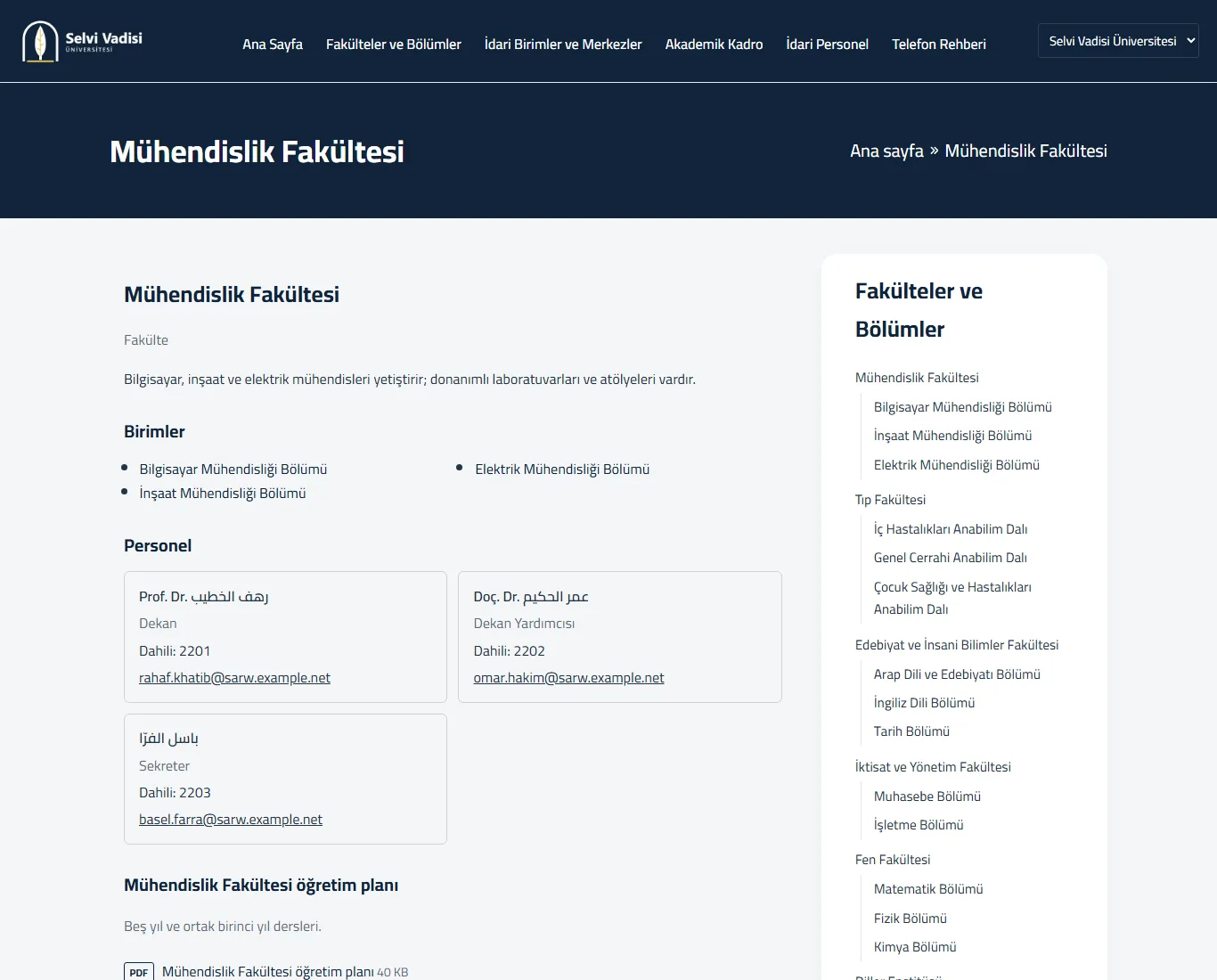
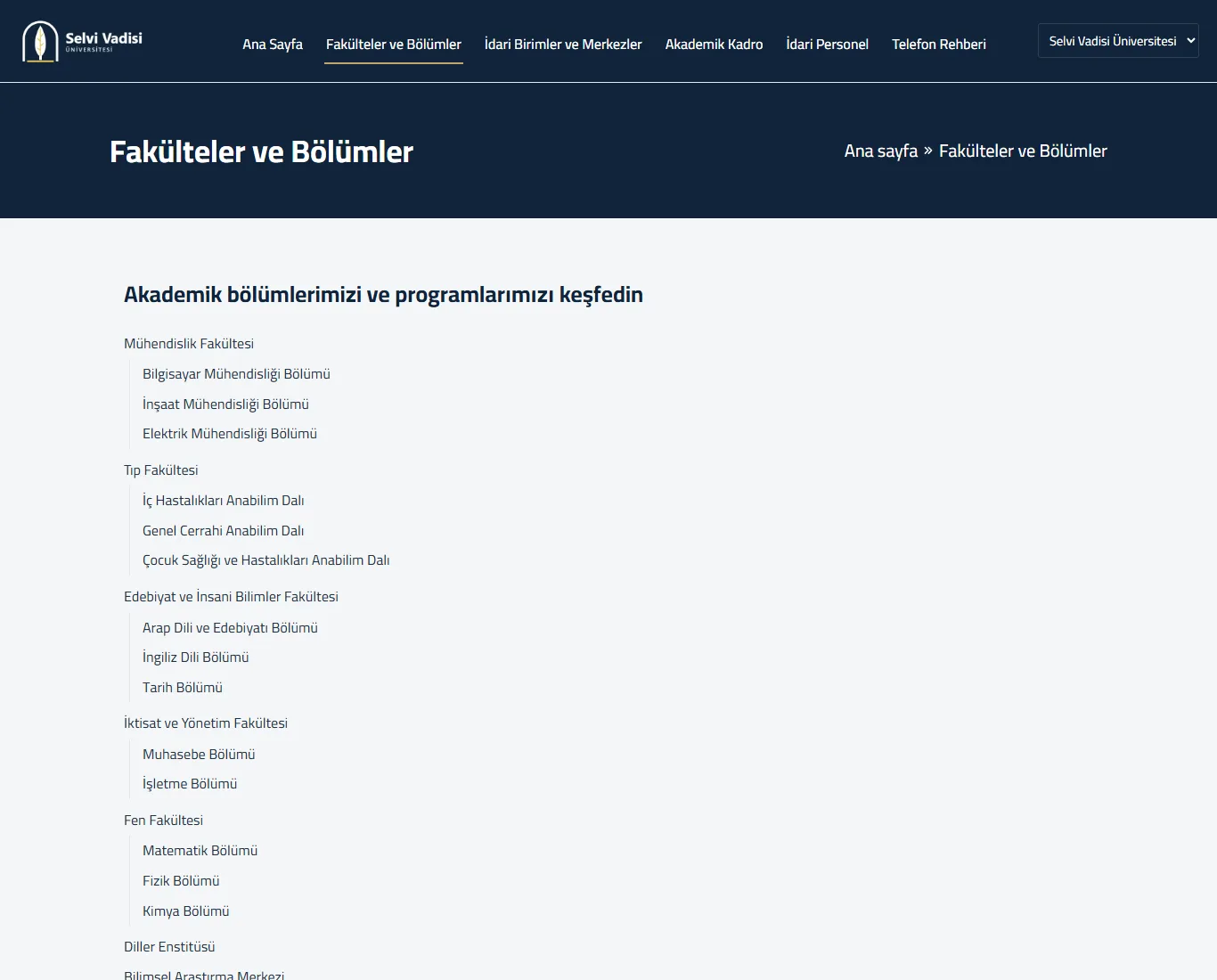
Every unit. Every level.
Your website follows the structure of your institution. From the main administration to the smallest office, every unit has its place.
Organize faculties, departments, institutes, centers, directorates and offices at any level.
Define the unit types you need and classify each as academic or administrative.
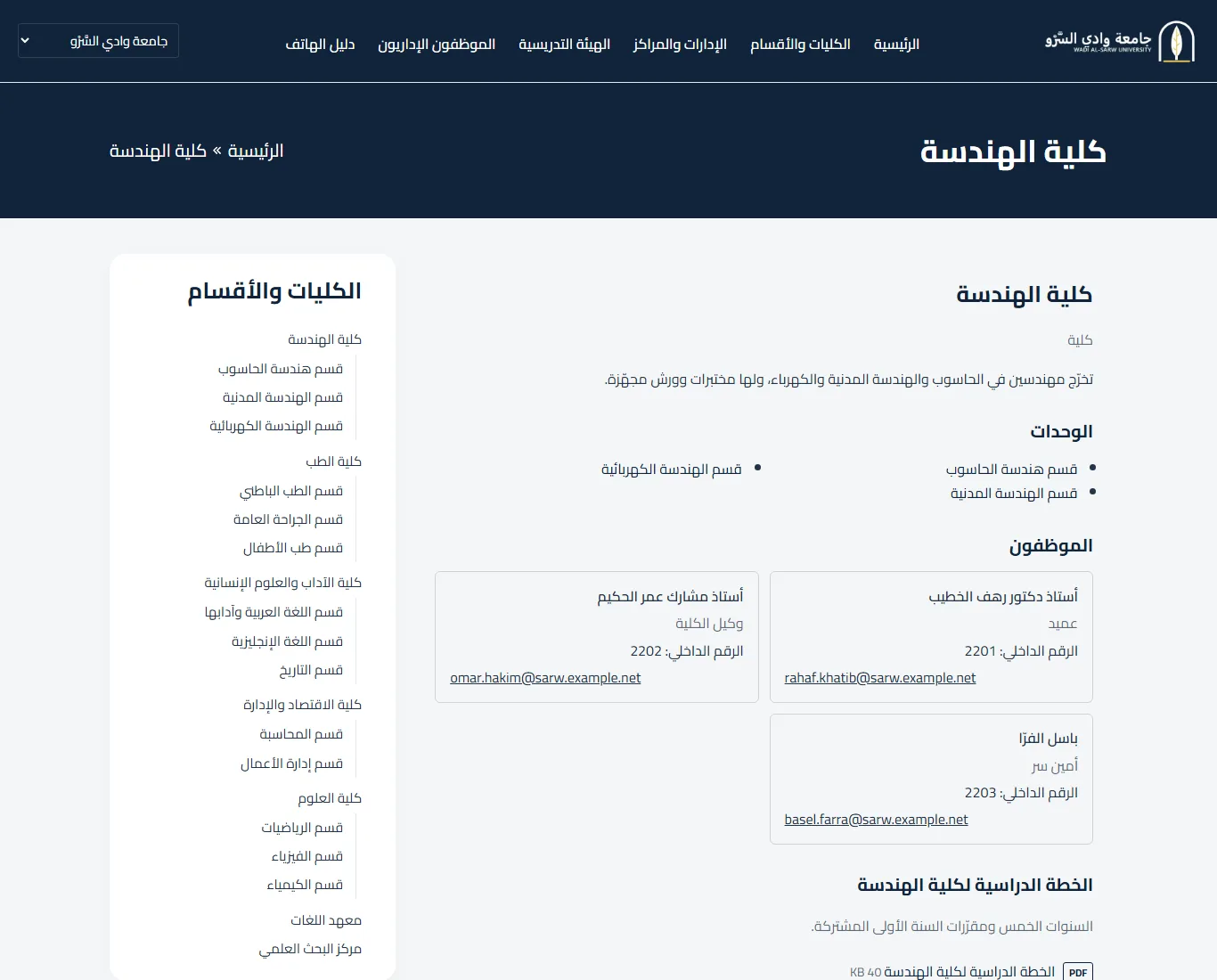
Each page brings together its description, subordinate units, staff and documents.
Kept current by your own systems.
Your website does not need someone to rewrite your organizational information. It reads from the systems your institution already uses.
Personal phone numbers and passwords are never read from your staff directory.
Organizational units are retrieved through your institution's own interface. Addresses, paths, access methods and field names are all configurable.
Staff records are read branch by branch. Academic staff, administrative staff and workers are retrieved in groups, while other records are read individually.
Synchronization runs automatically at its scheduled time, keeping your website aligned with your institutional records.
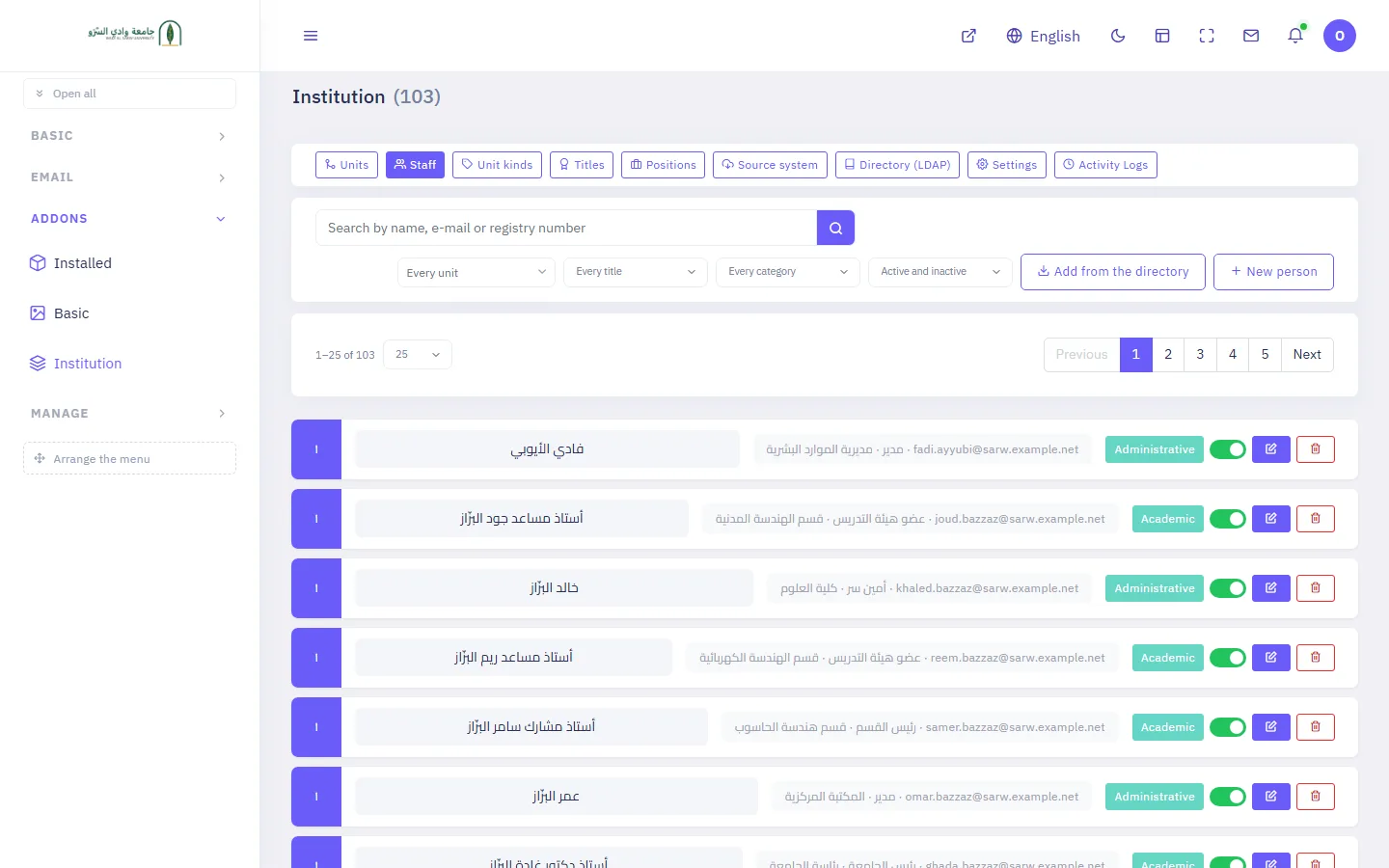
People, titles and posts.
Show every person with the academic title and institutional positions they hold. Your staff information reflects how your institution actually works.
Choose from your own lists of titles, such as Professor, Associate Professor and Lecturer, and positions such as Dean, Head of Department and Director.
A person can hold positions in different units, each with its own telephone extension.
Leadership positions appear automatically at the top of their unit pages, with the dean above the faculty members.
Display each employee's photo, with a default image whenever a personal photo is unavailable.
A directory your visitors will use.
Give visitors a clear way to find the people they need. Choose how your staff directory looks and where it appears.
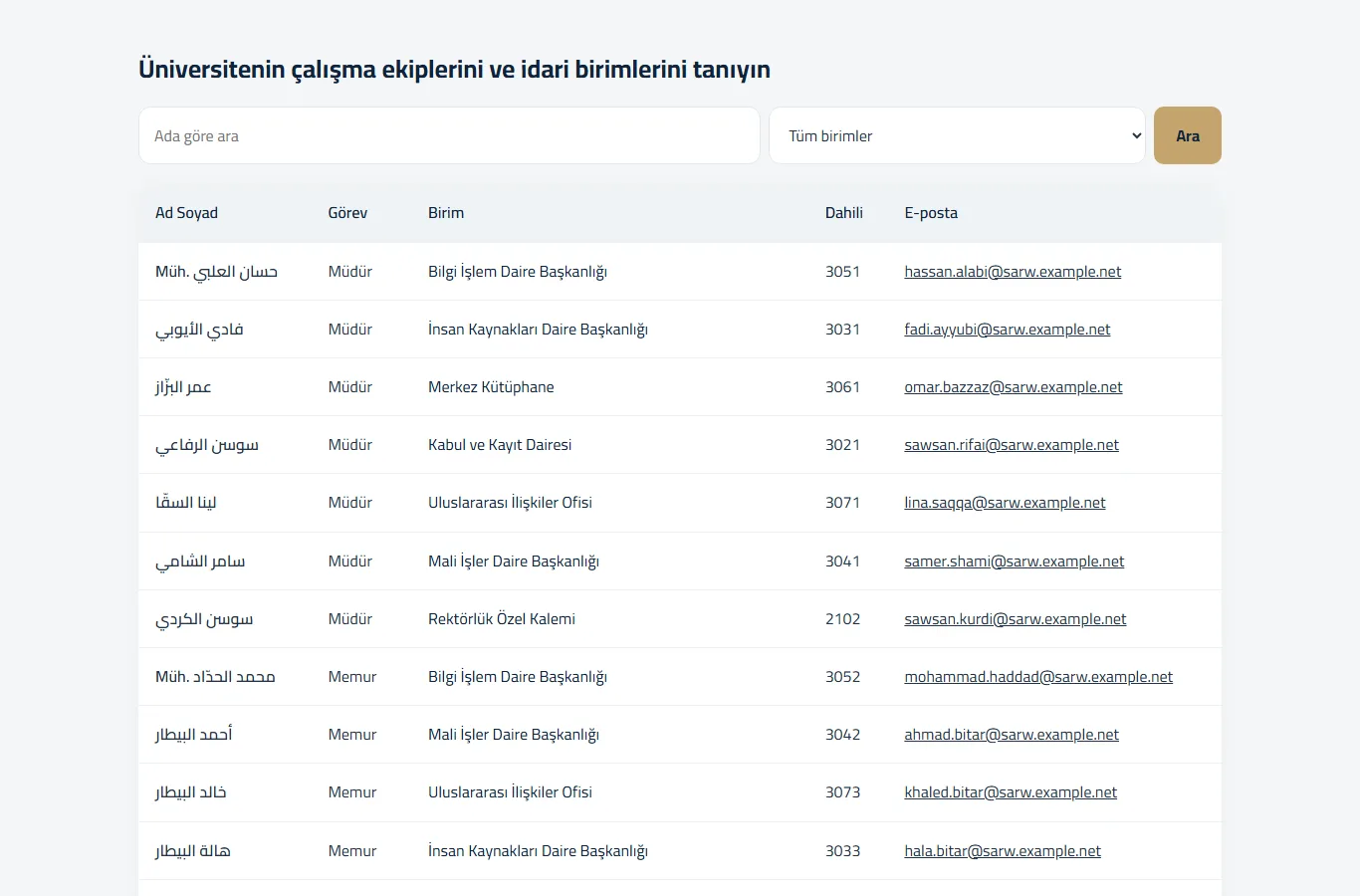
Table View
Structured staff information in rows.
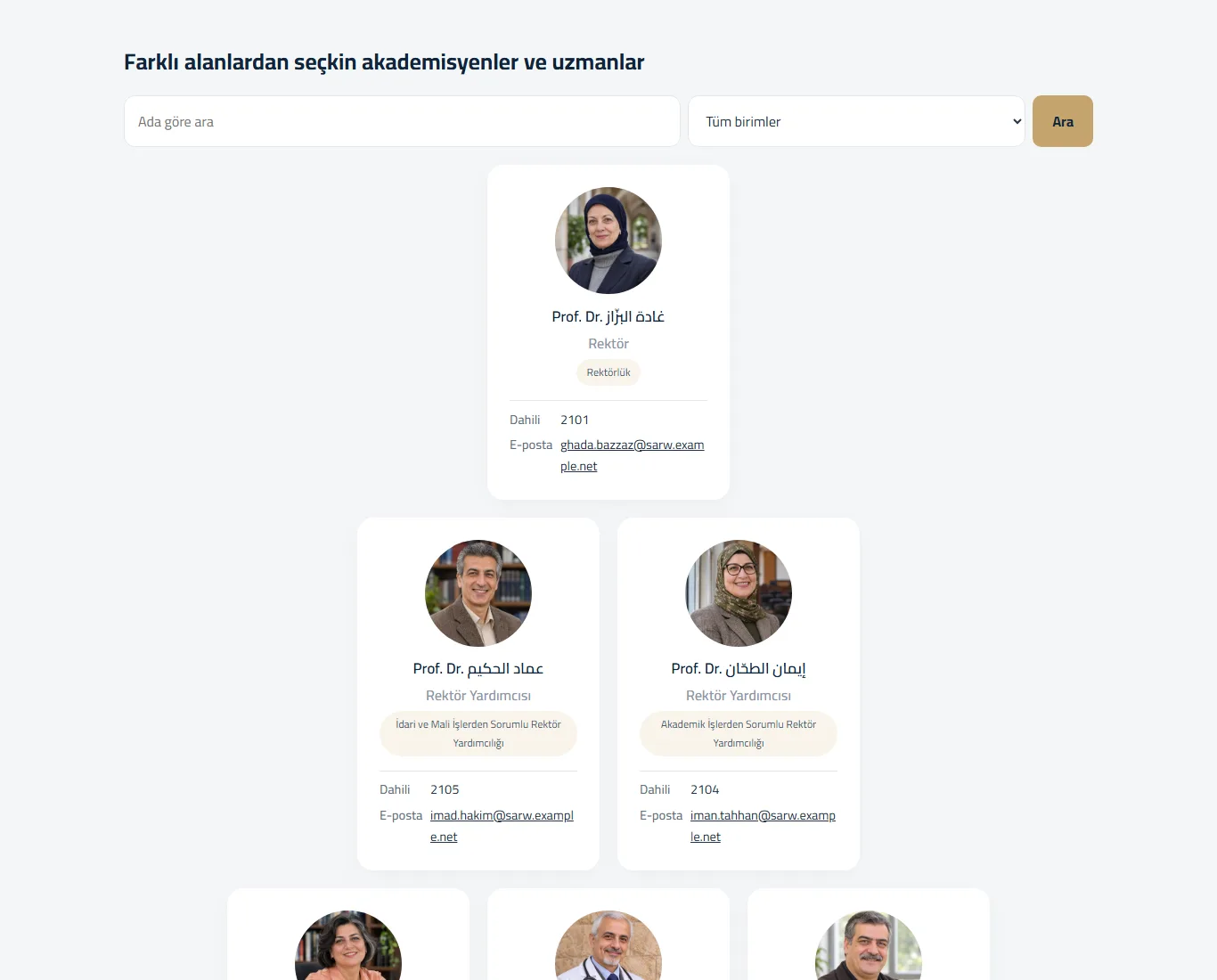
Round Photo Cards
People presented with circular photos.
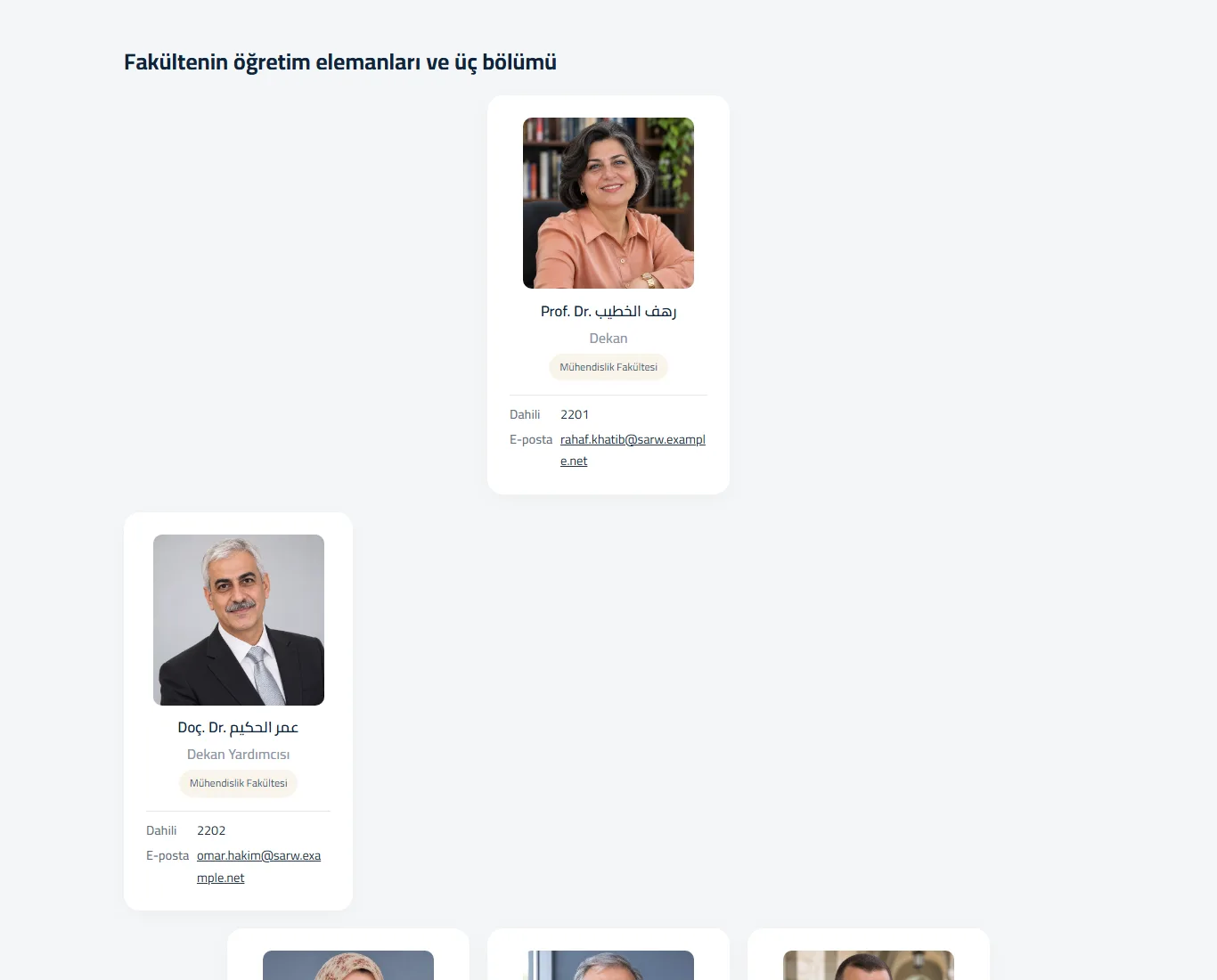
Square Photo Cards
A visual directory with square photos.
Visitors can search for an employee or browse the organizational unit they belong to.
Show only one unit and its subordinate units. Create a dedicated page such as Engineering Faculty Staff.
Email addresses are protected against automated address-harvesting programs.
The phonebook, always right.
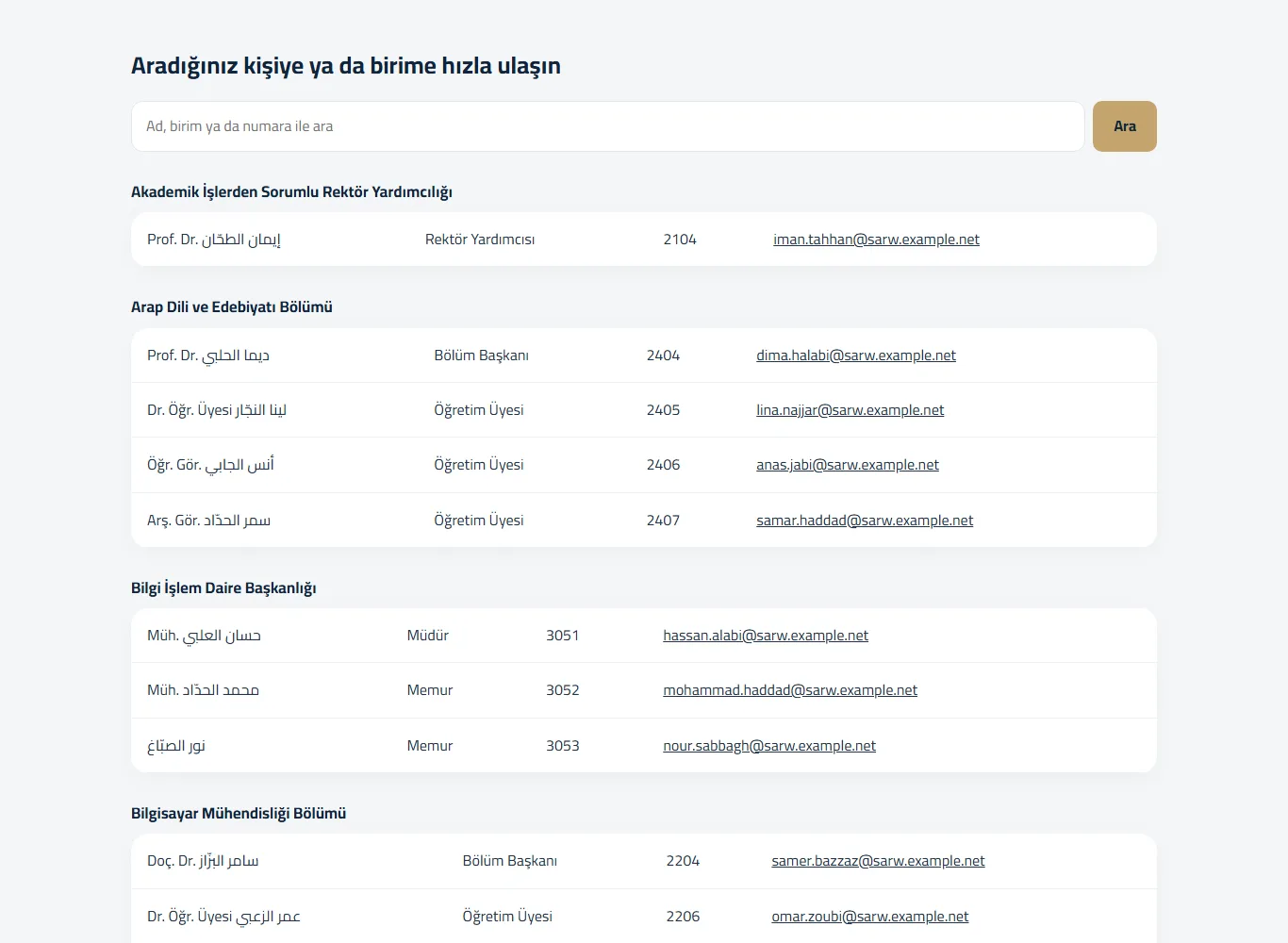
Make institutional contact information easy to find. Every telephone extension is organized under its corresponding unit.
Browse extensions according to your institution's organizational structure.
Find an extension by employee name, unit or telephone number.
Every unit's documents.
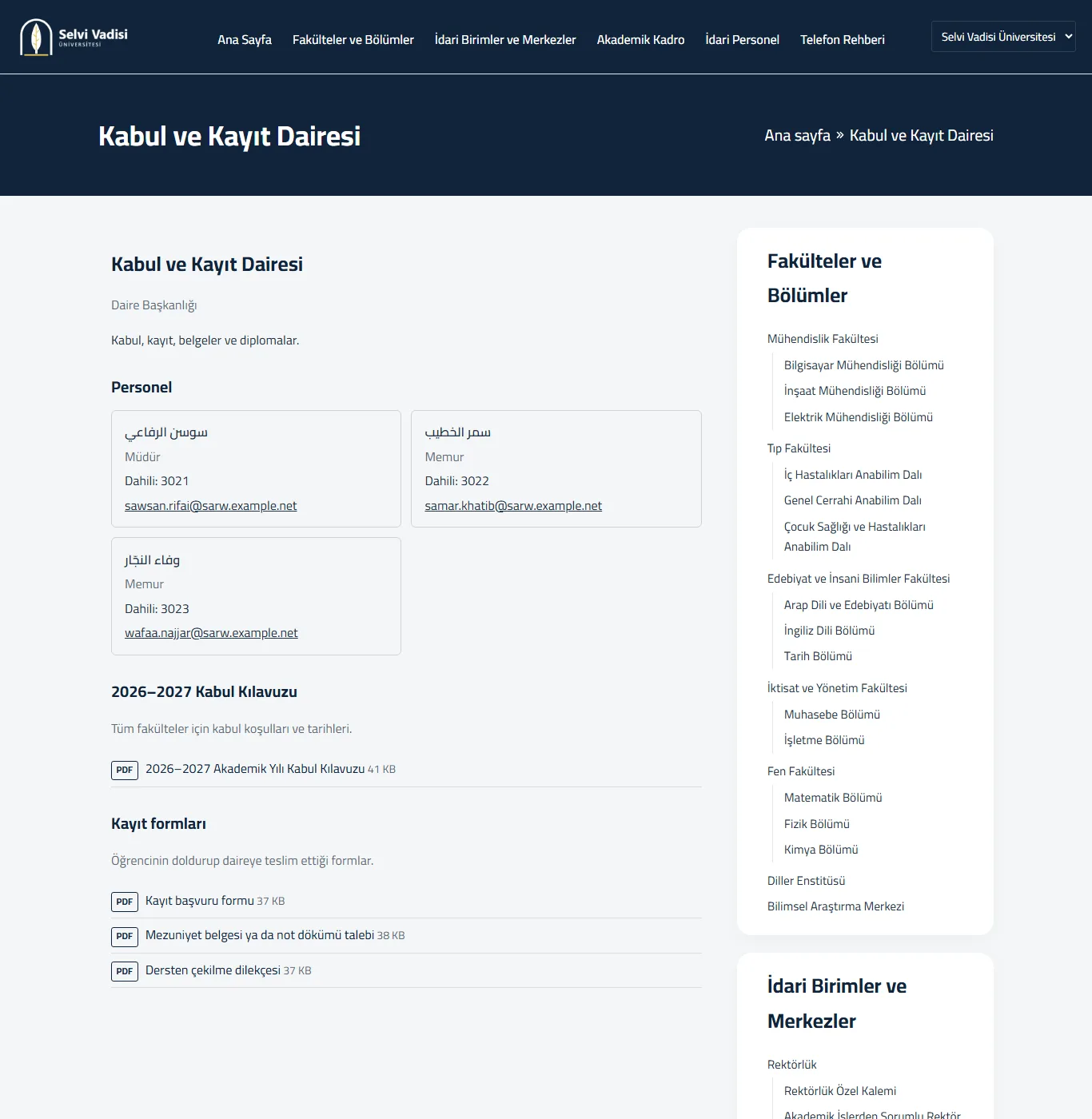
Keep important files connected to the unit they belong to. Visitors find the right documents directly on the relevant unit page.
Group your files, link them to the relevant unit and arrange them in the order you choose.
In every language you speak.
Your institution serves people who speak different languages. Give every visitor an experience in their own language.
Unit names and descriptions are available in every language of your website.
Academic titles and institutional positions have their own translations.
Your visitors read institutional information in the language they select on your website.
Your institution has a structure. Your website should reflect it.
Bring your organizational units, people, phone numbers and documents together in one organized institutional website.