
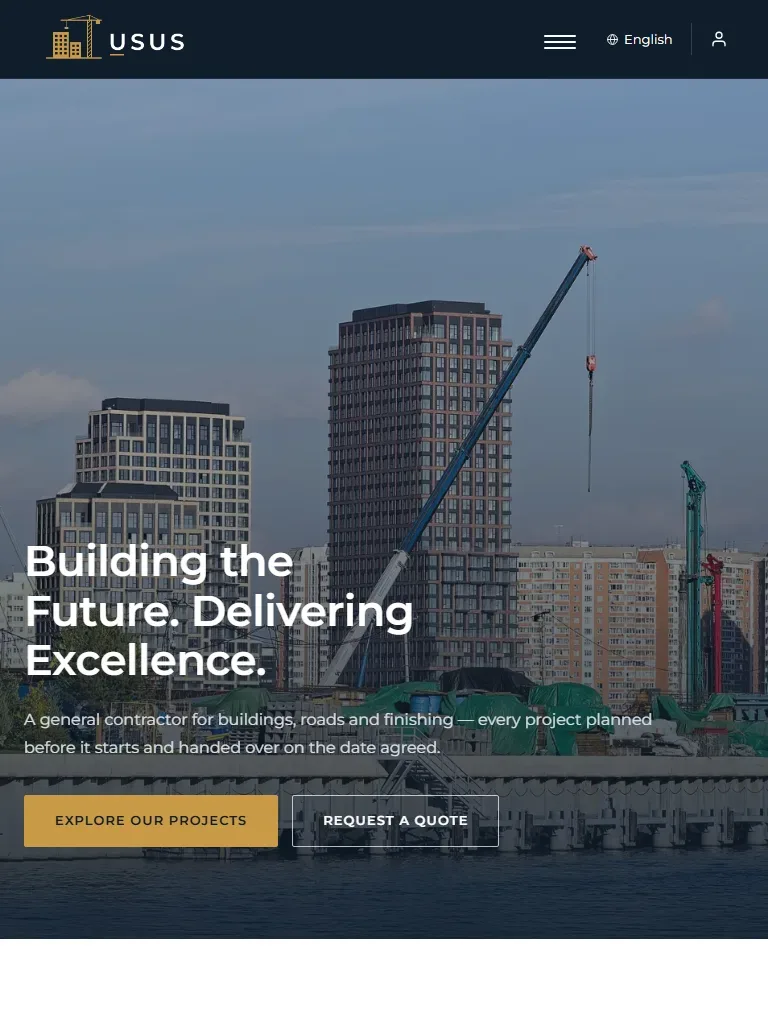
Article lists
Picture cards on one page, short headlines on another.
Website builder · Template designer
Arrange your pages the way you picture them, choose the look of every part, and see your site on a computer and a phone before your visitors do.
Pages your way
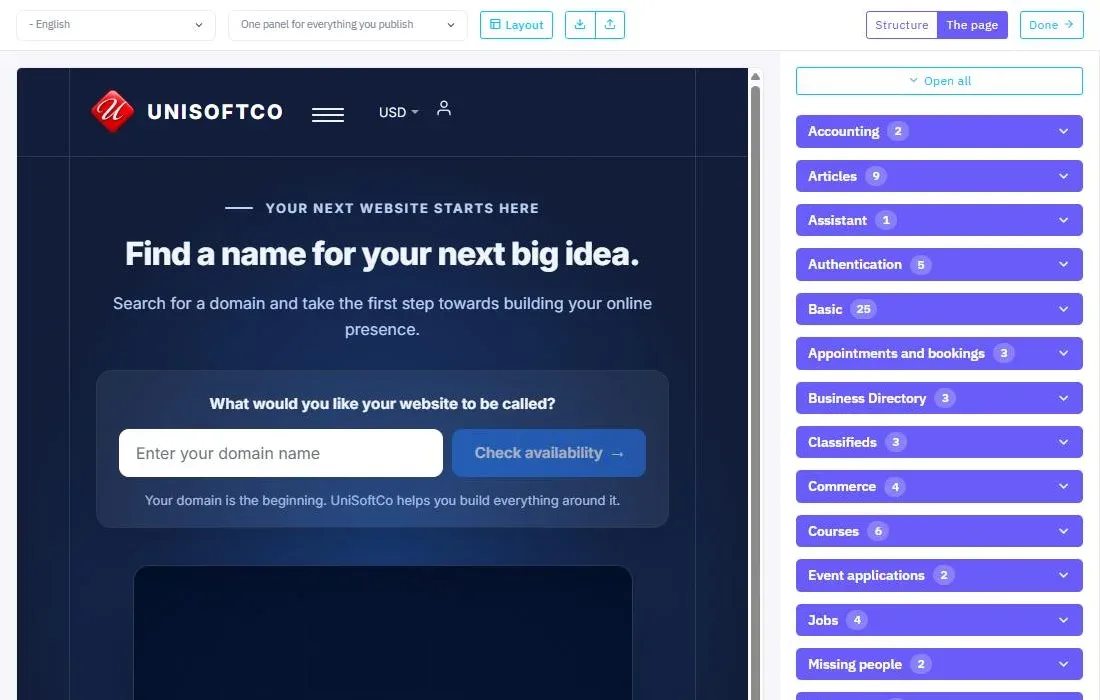
Start from a ready design, then add the parts you need. Move them, change their order and set each one until the page is the way you want it.
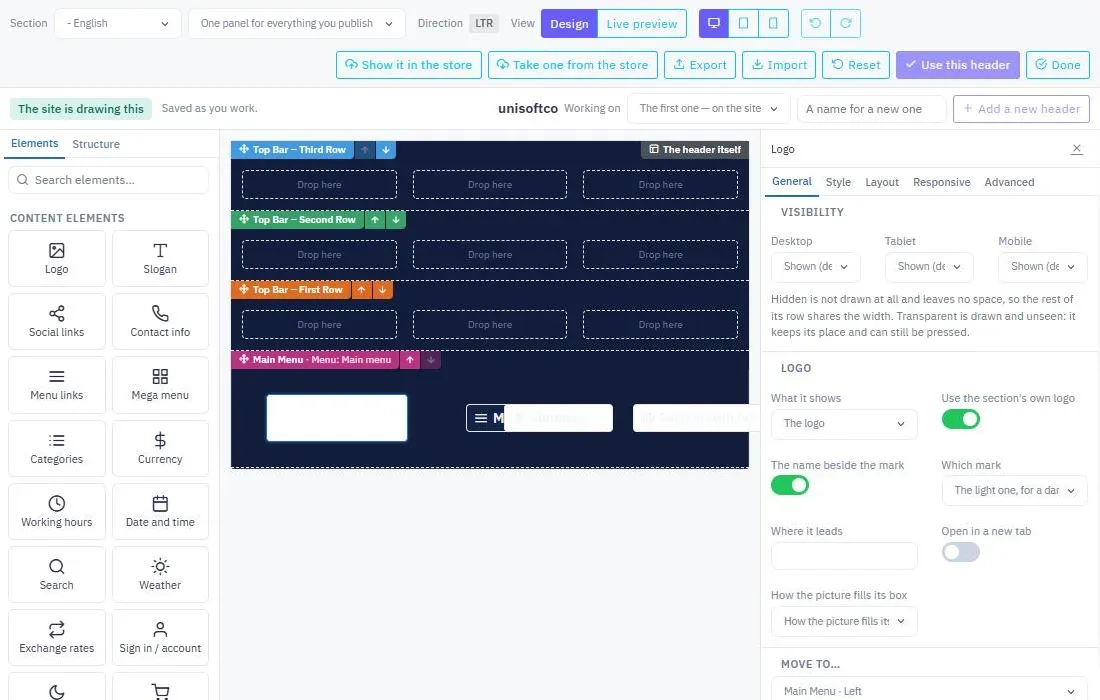
The first thing visitors see
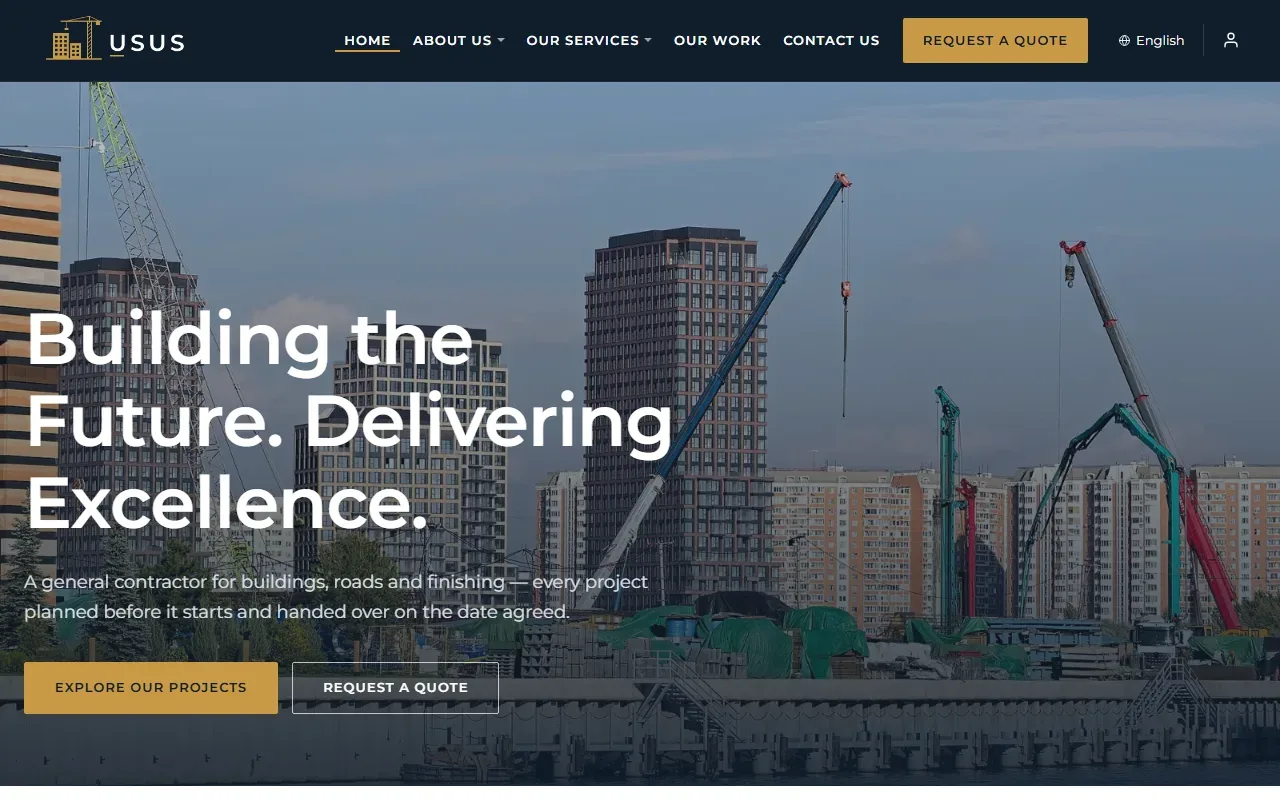
Lay out your header and footer in clear rows and areas. Pick from nineteen ready elements, move them between columns, then set their colours, sizes, fonts, borders and motion.
A design that fits every visitor
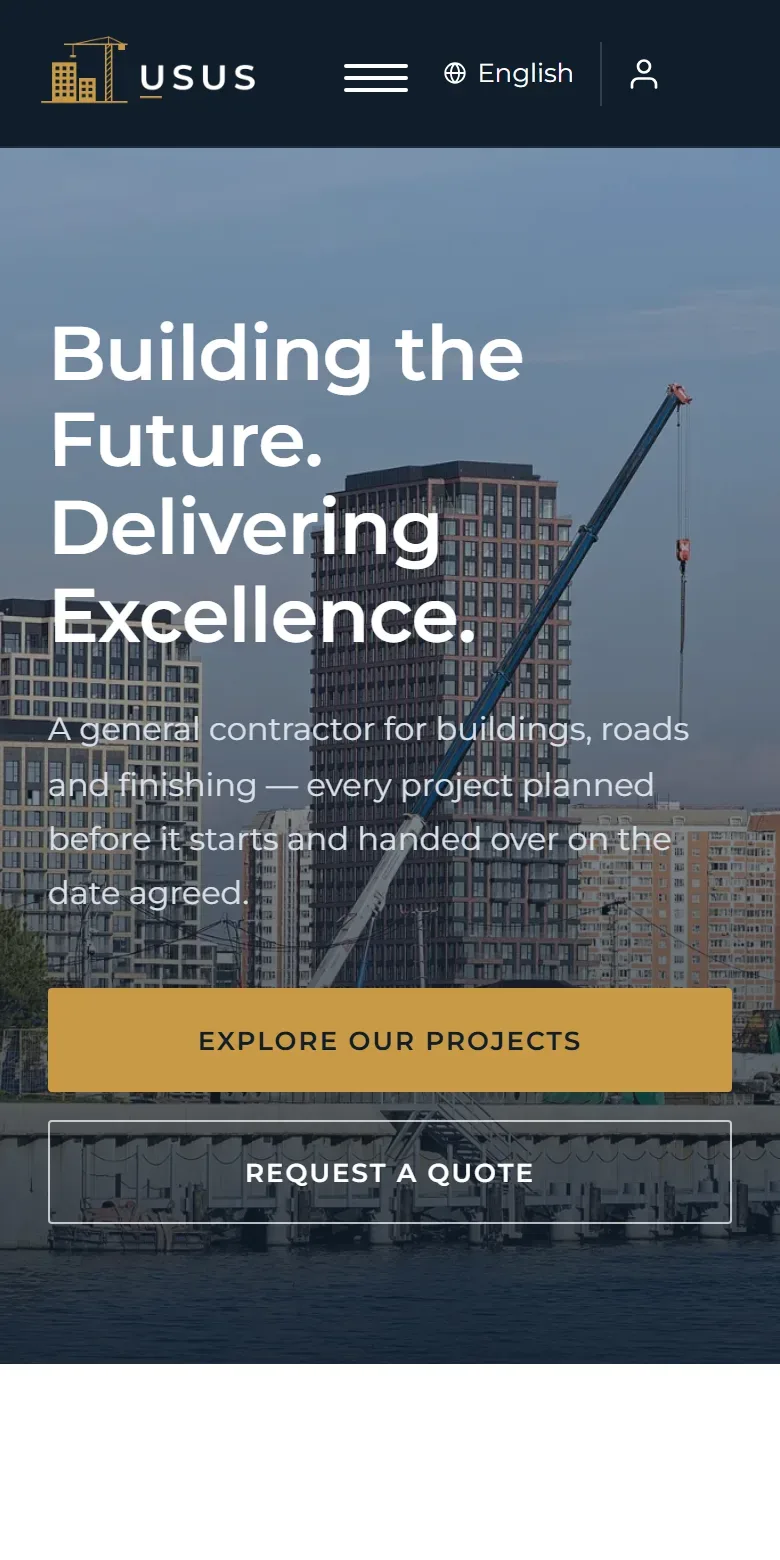
Adjust your site for each device, see it at its real width, and decide what shows and what hides on each screen.
Details that match
Not every list on your site has to look the same. Give each component the design that suits its content and its place.
Picture cards on one page, short headlines on another.
Several numbered versions, and each page picks the one it wears.
Its own look on phone, tablet and computer, and under the pointer.
And add your own CSS wherever you want it.
A clear path from the start
You see every choice as a picture, and your work is saved at every step. Go back without losing what comes after.
Your design is not tied to one place
Keep your design, share it, or turn it into new work.
Export a whole design, or just its header or footer, as one file, and bring it into another site. Only the design travels — none of your site's data goes with it.
Put your design in the platform's shared store, or take one from picture cards other designers have placed there.
Offer your design for sale at the price you set; once the platform approves it, others can buy it and you receive your share of every sale. Or buy a finished design and its copy arrives in your site. When its designer updates it, the update reaches you free, and your own changes stay.
Start from a ready design, then make it your own.
Explore the UniSoftCo platform · Your site in every language
Demo
Open a real site built on the platform alone and look round its page composer and design screens: leave your email and we will send you a sign-in.