
Choose how long your nightly backups are kept
 UniSoftCo
Your control panel now lets you decide how many days of database copies to keep, and how long a deleted picture stays recoverable.
Every night the server copies your site's database and its pictures. You now decide how long those copies are kept.
Where to find it
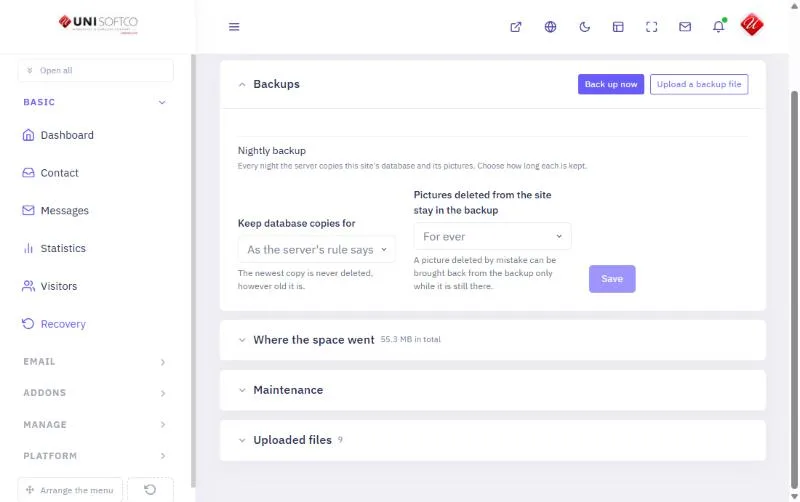
Open Recovery in your control panel, then Backups. Under Nightly backup there are two choices and a Save button.
Database copies
Keep database copies for follows the server's rule unless you choose otherwise: 3, 7, 14, 30, 60 or 90 days. The newest copy is never deleted, however old it is.
Pictures you deleted
Pictures deleted from the site stay in the backup for ever, until the next night, or for 7, 30, 90 or 180 days. A picture deleted by mistake can be brought back only while it is still in the backup, so a longer time is safer and a shorter one saves space.
See where the space went
The same screen shows what your backups take up: the database copies and the copy of your pictures, each on its own line.