Signing In Safely
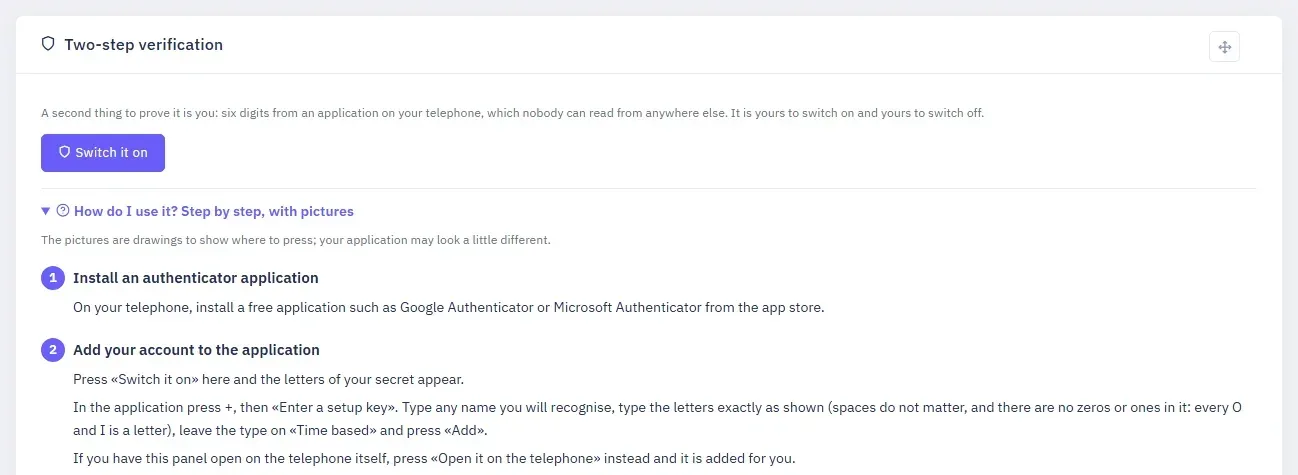
Two-step verification, the sessions you are signed in from, and how to end one.
A password can be guessed or copied. The panel offers a second thing that cannot be, and shows you every place you are signed in.
Two-step verification
On My Account, Two-step verification adds six digits from an application on your telephone to every sign-in. Switch it on, add the secret to your authenticator application, then type the six digits it shows to prove it can read them. How do I use it? under the card walks through it step by step, with pictures. Keep the recovery codes it gives you somewhere safe.
Switching it off
Switching it off asks for a code too, because whoever is at that screen is already inside your account.
Where you are signed in
The same page lists every session — the browser, the address, when it started and when it ends — with Revoke beside each. A session you do not recognise is ended there.
Comments
Nobody has written yet. Be the first.