Shop
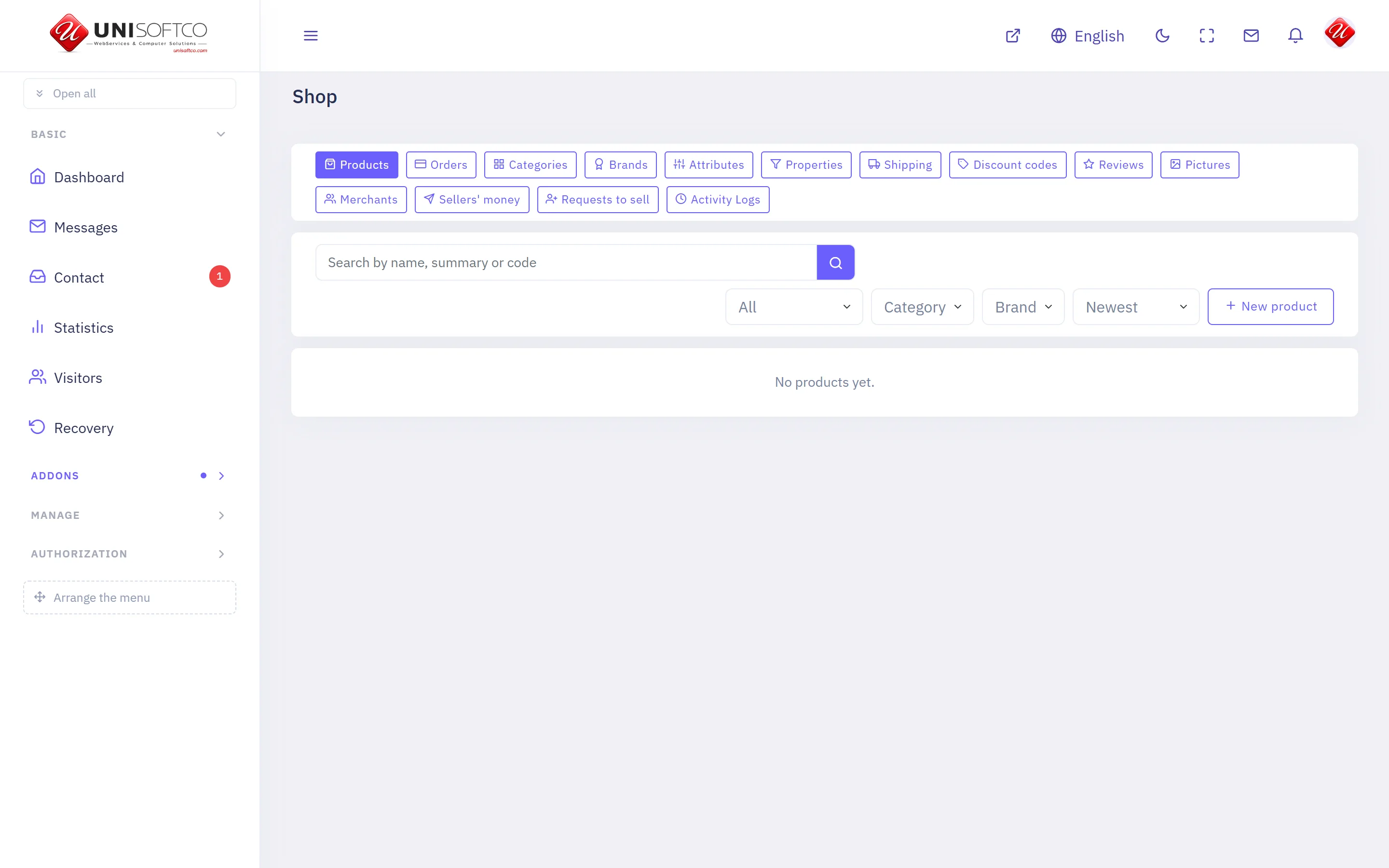
Products, the forms they come in, who sells them and for how much. Sells through Commerce, so a basket may hold a product and anything else at once.
Everything below is declared by Shop itself, so it describes this deployment rather than a manual — and it is rewritten whenever the program changes.
What it is
- Its key is Ecommerce, which is also the prefix of every component it owns.
- It is bought: a site has it only when the registry records that this customer bought it.
What it may be allowed to do
These are the permissions it declares. A person sees one of its screens only where his role carries the matching permission.
- ecommerce.manage
- ecommerce.moderate
- ecommerce.setup
- ecommerce.view
What it puts on a page
10 components, each of which can be dropped onto a page in the composer.
Category page
One category of the shop, reached by its address.
Placed as Ecommerce.Category.
4 settings:
- How many — a number, left alone it is 24.
- How many across — a number, left alone it is 4.
- Show what is inside it — a switch, left alone it is true.
- Only what can be bought — a switch, left alone it is false. Off shows everything published, which is what a showroom wants.
My shelf
What a merchant sells, what has sold, and what he is owed.
Placed as Ecommerce.MyShop.
2 settings:
- Show what has sold — a switch, left alone it is true. The paid lines behind his balance. Off leaves the totals without their detail.
- Show what has been sent him — a switch, left alone it is true.
Product page
One product in full, reached by its address.
Placed as Ecommerce.Detail.
4 settings:
- Show the brand — a switch, left alone it is true.
- Show the specification — a switch, left alone it is true.
- Say who is selling it — a switch, left alone it is false. Worth switching on where several merchants sell the same thing, and noise where one does.
- Reviews as a tab — a switch, left alone it is true. Switch it off if you also place the reviews block on the page.
Product slider
Products of one shelf, moving one after another.
Placed as Ecommerce.Slider.
9 settings:
- Shelf — chosen from a list this site's own data fills. Which shelf the slider draws from.
- Brand — chosen from a list this site's own data fills.
- How many — a number, left alone it is 5. Between 1 and 12.
- Seconds on each — a number, left alone it is 6.
- Only the promoted ones — a switch, left alone it is false.
- Only what can be bought — a switch, left alone it is false. Left off, everything published is shown and anything with no price says so.
- Show the price — a switch, left alone it is true.
- Show the summary — a switch, left alone it is true. Off on a short slider, where a name is all there is room for.
- Show the brand — a switch, left alone it is false.
Products
What the shop sells, with the price and what is left.
Placed as Ecommerce.List.
7 settings:
- How many — a number, left alone it is 8.
- How many across — a number, left alone it is 4.
- Category — chosen from a list this site's own data fills.
- Brand — chosen from a list this site's own data fills.
- Only the promoted ones — a switch, left alone it is false.
- Only what can be bought — a switch, left alone it is false. Left off, everything published is shown and anything with no price says so. Switch it on for a shop that takes money, so nothing unbuyable reaches the front page.
- Show the brand — a switch, left alone it is true.
Products, filtered
The shop with category, brand and characteristics down the side.
Placed as Ecommerce.Filter.
4 settings:
- How many on a page — a number, left alone it is 12.
- How many across — a number, left alone it is 3.
- Start inside — chosen from a list this site's own data fills. Narrows the page to one branch of the catalogue before the reader chooses anything. Leave it empty and he starts with everything.
- Only what can be bought — a switch, left alone it is false. Left off, everything published is filtered and anything with no price says so.
Reviews
What buyers said about the product on this page.
Placed as Ecommerce.Reviews.
One setting:
- How many to show — a number, left alone it is 10.
Sell on this site
A member asks to become one of the shop's merchants.
Placed as Ecommerce.SellWithUs.
One setting:
- Ask for a telephone number — a switch, left alone it is true. Never required either way — a member who would rather not give one still asks.
Seller page
Who a seller is and what he has for sale.
Placed as Ecommerce.Merchant.
2 settings:
- How many of his products to show — a number, left alone it is 12.
- How many across — a number, left alone it is 4.
Shop categories
What the shop is made of, as tiles.
Placed as Ecommerce.Categories.
4 settings:
- How many across — a number, left alone it is 4.
- Inside — chosen from a list this site's own data fills.
- Show how many are in each — a switch, left alone it is true.
- Count only what can be bought — a switch, left alone it is false. Leave it as the shop's list and its category pages have it, or the number on a tile will not match what opens behind it.
Comments
Nobody has written yet. Be the first.
This article is not taking comments.