The University of Education design
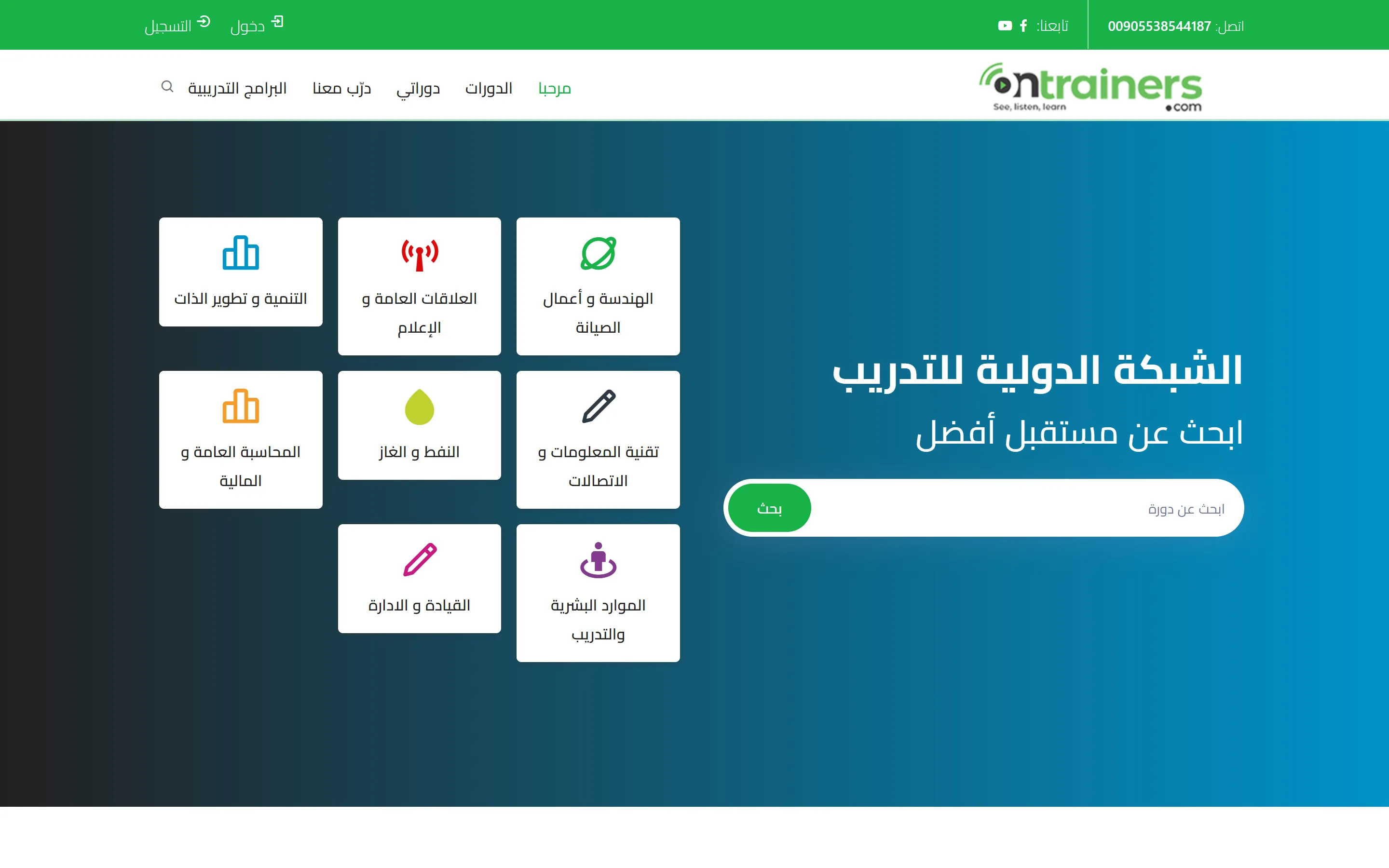
The shapes, the chrome and the layouts the University of Education design declares.
Everything below is declared by the University of Education design itself, so it is true of this deployment rather than of a manual.
What it can draw
A design draws only the families it declares. One that does not name an addon simply has no components for it — a news template has no shop.
- Assistant
- Authentication
- Basic
- Commerce
- Courses
Its top and its bottom
2 headers to choose between:
- Bar over the menu
- No header
2 footers to choose between:
- Mark, menu and contacts
- No footer
The shapes it offers
Where a component can be drawn more than one way, these are the shapes this design offers and what each is for.
Assistant.Chat
- In the page
Basic.Slider
- The original slider
How a page can be divided
A layout is how one page is divided. Every one of them has a band above the page and an area under it, whatever happens in the middle.
One column
- Above the page — 12 of twelve wide
- Content — 12 of twelve wide
- Under the page — 12 of twelve wide
Content with a column beside it
- Above the page — 12 of twelve wide
- Content — 8 of twelve wide
- Beside it — 4 of twelve wide
- Under the page — 12 of twelve wide
A column, then the content
- Above the page — 12 of twelve wide
- Content — 8 of twelve wide
- Beside it — 4 of twelve wide
- Under the page — 12 of twelve wide
A narrow column
- Above the page — 12 of twelve wide
- Content — 8 of twelve wide
- Under the page — 12 of twelve wide
Two equal columns
- Above the page — 12 of twelve wide
- Content — 6 of twelve wide
- The second column — 6 of twelve wide
- Under the page — 12 of twelve wide
Three columns
- Above the page — 12 of twelve wide
- Content — 6 of twelve wide
- Left column — 3 of twelve wide
- Right column — 3 of twelve wide
- Under the page — 12 of twelve wide
Comments
Nobody has written yet. Be the first.
This article is not taking comments.