Courses
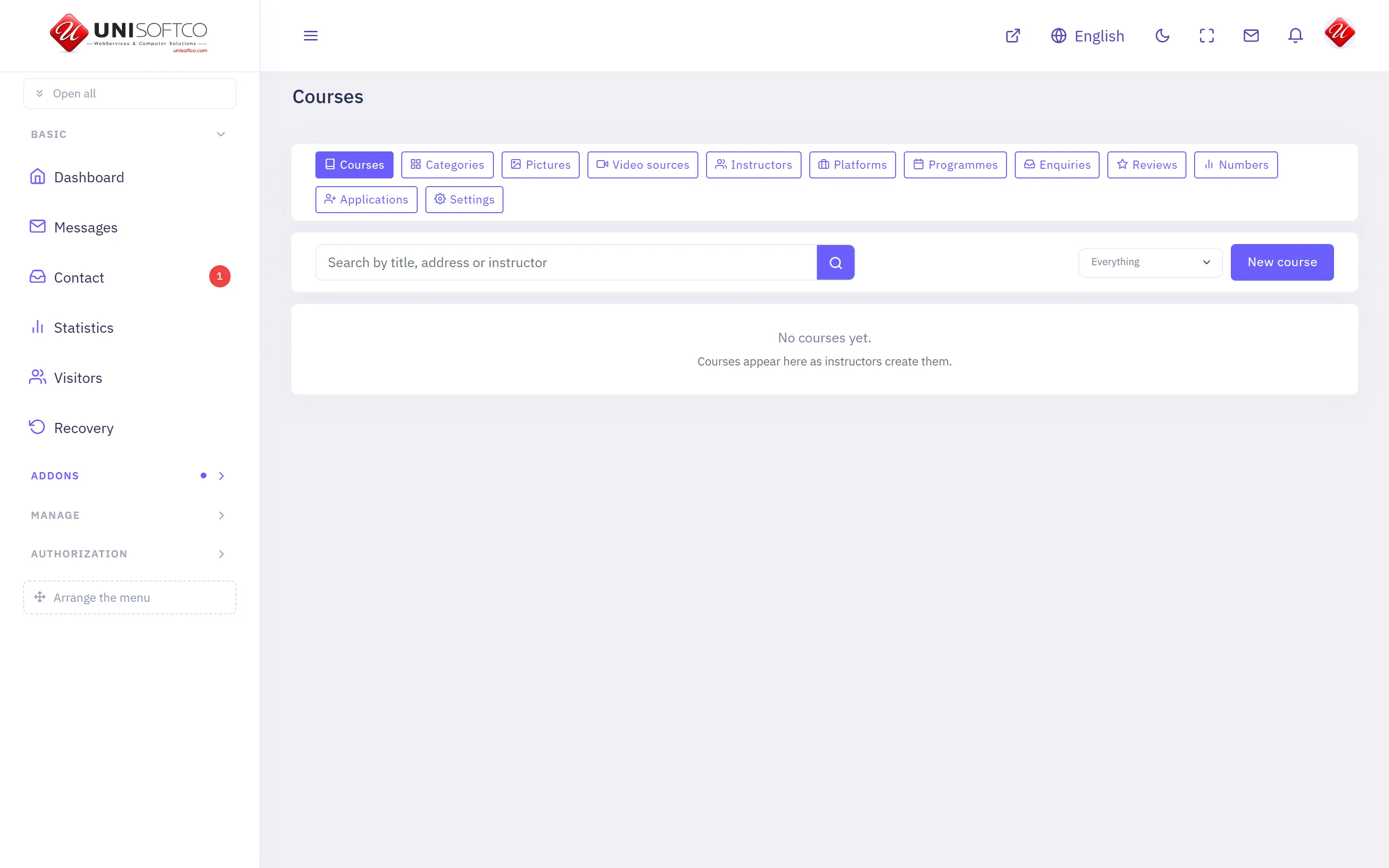
Instructors publish courses; students buy them, watch the lessons and earn a certificate. Sells through Commerce, so a basket may hold a course and anything else at once.
Everything below is declared by Courses itself, so it describes this deployment rather than a manual — and it is rewritten whenever the program changes.
What it is
- Its key is Courses, which is also the prefix of every component it owns.
- It is bought: a site has it only when the registry records that this customer bought it.
What it may be allowed to do
These are the permissions it declares. A person sees one of its screens only where his role carries the matching permission.
- courses.manage
- courses.moderate
- courses.setup
- courses.view
What it puts on a page
10 components, each of which can be dropped onto a page in the composer.
Certificate
A finished course's certificate, printed and checked.
Placed as Courses.Certificate.
It takes no settings — it draws one way and has nothing to be told.
Course category
Every course on one shelf, opened from a link.
Placed as Courses.Category.
6 settings:
- How many per page — a number, left alone it is 12. Between 1 and 48.
- How many across — a number, left alone it is 3. Between 1 and 4.
- Include the shelves underneath — a switch, left alone it is true. A heading whose courses are all filed under its children would otherwise show none.
- Show the shelves underneath as links — a switch, left alone it is true.
- Show the classroom programmes on this shelf too — a switch, left alone it is true. A strip under the courses. Off on a site that runs no programmes — it draws nothing there anyway.
- Order — chosen from Newest first, By title, Cheapest first, left alone it is newest.
Course list
The catalogue as cards, with the browse filters.
Placed as Courses.List.
5 settings:
- How many per page — a number, left alone it is 12.
- How many across — a number, left alone it is 3. Between 1 and 4.
- Featured courses only — a switch, left alone it is false. For a home-page strip. The full catalogue page leaves it off.
- Strip mode — cards only — a switch, left alone it is false. Hides the browse bar and draws a heading and a more-link instead. For the home page.
- The strip's heading — typed in. Drawn above the cards in strip mode only.
Course page
One course: the promise, the curriculum, the instructor, the price.
Placed as Courses.Detail.
It takes no settings — it draws one way and has nothing to be told.
Course player
Where a student watches what he bought, and marks his way through it.
Placed as Courses.Learn.
It takes no settings — it draws one way and has nothing to be told.
Courses hero banner
The home page's opening: a line, a course search, the subjects as cards.
Placed as Courses.Hero.
3 settings:
- The big line — typed in. Empty draws the section's own title.
- The line under it — typed in.
- How many subject cards — a number, left alone it is 8. Between 1 and 12. The busiest shelves come first.
My courses
A member's enrollments and how far he has come.
Placed as Courses.MyCourses.
It takes no settings — it draws one way and has nothing to be told.
Programme page
One classroom programme: the promise, the objectives, the outline.
Placed as Courses.Program.
It takes no settings — it draws one way and has nothing to be told.
Teach on this site
A member asks to become one of the site's instructors.
Placed as Courses.TeachWithUs.
It takes no settings — it draws one way and has nothing to be told.
Training programmes
Classroom programmes as cards, with the browse filters.
Placed as Courses.Programs.
2 settings:
- How many per page — a number, left alone it is 12. Between 1 and 48.
- Featured programmes only — a switch, left alone it is false. For a home-page strip. The full list leaves it off.
Comments
Nobody has written yet. Be the first.
This article is not taking comments.