Business Directory
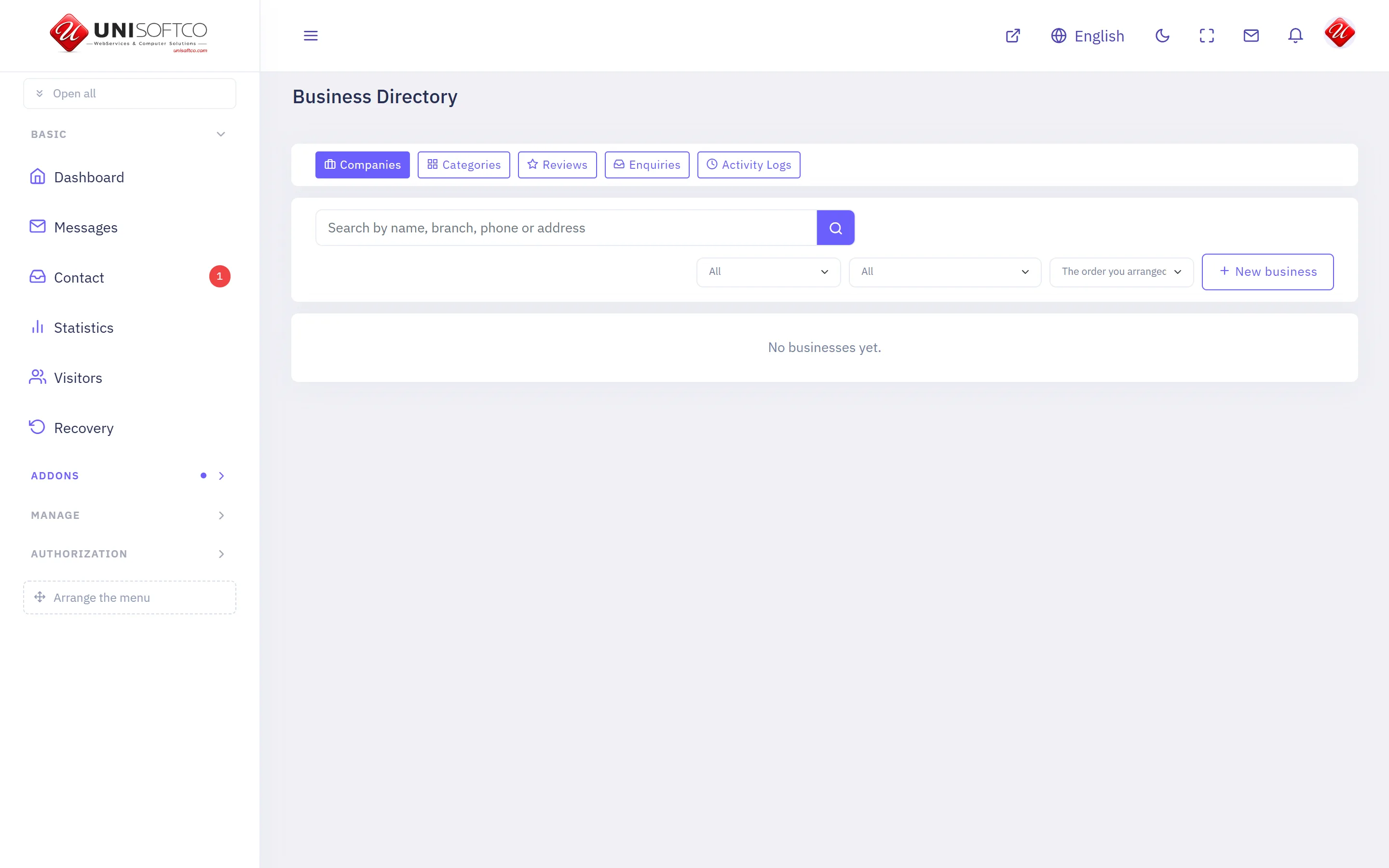
Companies and their branches on a map, with opening hours, photographs, products and reviews from registered members.
Everything below is declared by Business Directory itself, so it describes this deployment rather than a manual — and it is rewritten whenever the program changes.
What it is
- Its key is Businesses, which is also the prefix of every component it owns.
- It is bought: a site has it only when the registry records that this customer bought it.
What it may be allowed to do
These are the permissions it declares. A person sees one of its screens only where his role carries the matching permission.
- businesses.manage
- businesses.moderate
- businesses.setup
- businesses.view
What it puts on a page
5 components, each of which can be dropped onto a page in the composer.
Business categories
What the directory is made of, as a way in to the places.
Placed as Businesses.Categories.
4 settings:
- Under which category — chosen from a list this site's own data fills. Left empty it draws the directory's main categories.
- How many across — a number, left alone it is 4.
- Show how many places each holds — a switch, left alone it is true.
- Show categories with nothing in them — a switch, left alone it is false. A category nobody has filed anything under is a promise the page cannot keep.
Business category page
One category's places, reached by its address.
Placed as Businesses.Category.
4 settings:
- How many places on a page — a number, left alone it is 24.
- Pages — chosen from No pager, Under the list, Above the list, Above and under it, One button — show more, left alone it is both.
- How many across — a number, left alone it is 3.
- Show the categories under it — a switch, left alone it is true.
Business list
Places in the directory, with their address and how to reach them.
Placed as Businesses.List.
7 settings:
- How many on a page — a number, left alone it is 12.
- Pages — chosen from No pager — just the first few, Under the list, Above the list, Above and under it, One button — show more, left alone it is none. Above the list as well, when the list is long enough that its end is a scroll away.
- How many across — a number, left alone it is 3.
- Category — chosen from a list this site's own data fills.
- Only the promoted ones — a switch, left alone it is false.
- Show the address — a switch, left alone it is true.
- Show the rating — a switch, left alone it is true.
Business map
The directory's places as pins on a map.
Placed as Businesses.Map.
7 settings:
- How many places — a number, left alone it is 200. A map of a whole city can carry hundreds; a block on a page usually wants fewer.
- Category — chosen from a list this site's own data fills.
- How tall, in pixels — a number, left alone it is 420.
- How far in it opens — a number. Left empty, it fits itself around the places it drew — which is almost always right.
- Offer "what is near me" — a switch, left alone it is true. The reader chooses whether to share where they are; nothing is asked until they press it.
- Show the categories above the map — a switch, left alone it is true.
- Gather pins that overlap — a switch, left alone it is true. Forty shops in one neighbourhood are one blot at city zoom without this.
Business page
One business in full, reached by its address.
Placed as Businesses.Detail.
5 settings:
- Show the opening hours — a switch, left alone it is true.
- Show the map — a switch, left alone it is true.
- Show the price list — a switch, left alone it is true.
- Show the reviews — a switch, left alone it is true.
- How many reviews — a number, left alone it is 10.
Comments
Nobody has written yet. Be the first.
This article is not taking comments.