Articles
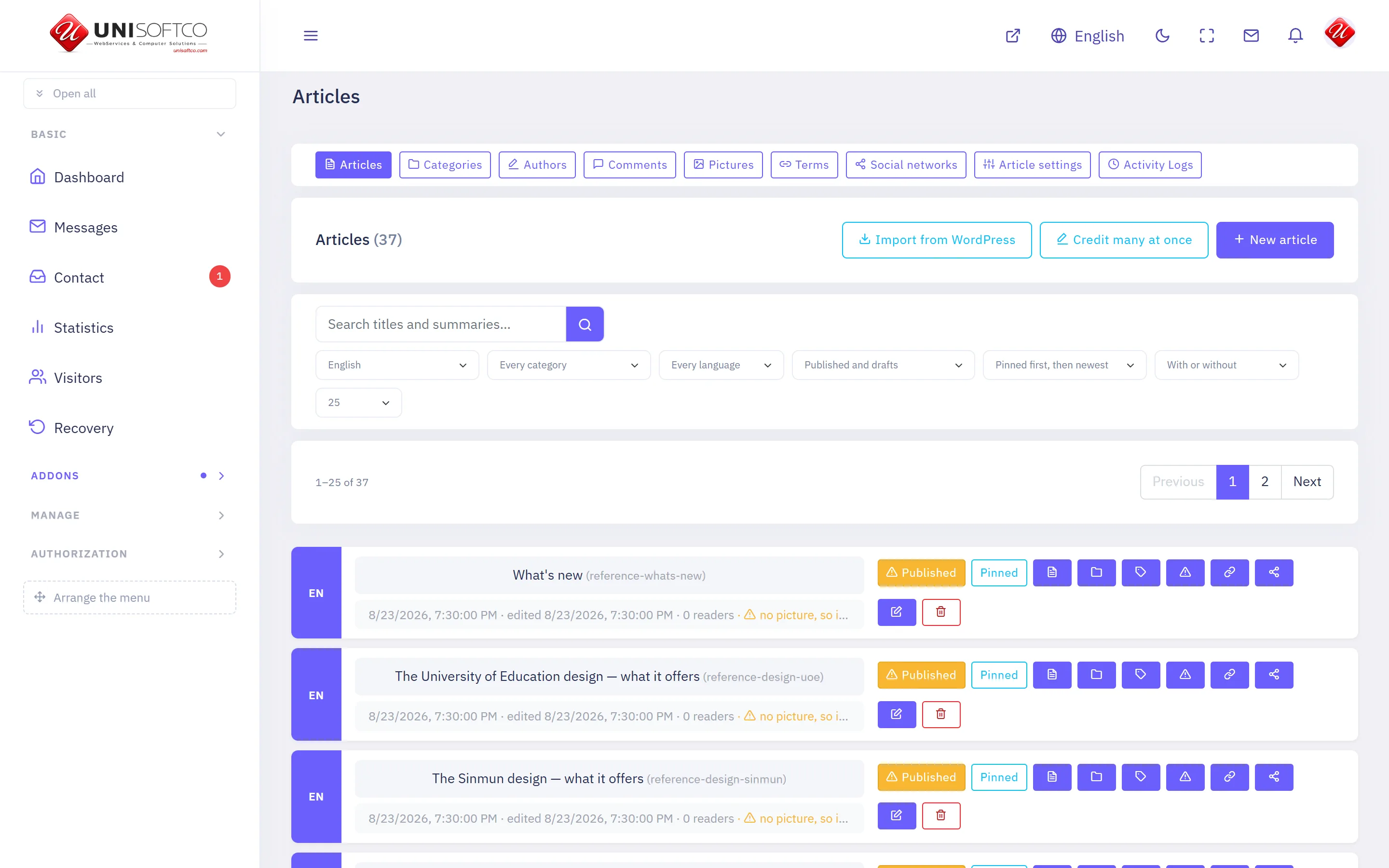
News and articles, filed under categories.
Everything below is declared by Articles itself, so it describes this deployment rather than a manual — and it is rewritten whenever the program changes.
What it is
- Its key is Articles, which is also the prefix of every component it owns.
- It is bought: a site has it only when the registry records that this customer bought it.
What it may be allowed to do
These are the permissions it declares. A person sees one of its screens only where his role carries the matching permission.
- articles.manage
- articles.publish
- articles.setup
- articles.social
- articles.view
- articles.viewAll
What it puts on a page
12 components, each of which can be dropped onto a page in the composer.
Article
One article, opened from a list.
Placed as Articles.Detail.
9 settings:
- Show the main picture — a switch, left alone it is true.
- Show the summary — a switch, left alone it is true. The lead-in over the article, not the article itself.
- Show the date — a switch, left alone it is true.
- Show who wrote it — a switch, left alone it is true. Nothing is shown for an article with no author, whatever this says.
- Show the category — a switch, left alone it is true.
- Show how many have read it — a switch, left alone it is false. A number that is small early on is an argument against reading.
- Show how many have commented on it — a switch, left alone it is false. Counts only the comments that are visible on the site.
- Show the tags — a switch, left alone it is true.
- Show the sharing buttons — a switch, left alone it is true. Links a reader can press to send this article to WhatsApp, Telegram, Facebook, X or LinkedIn, or copy its address.
Article list
Articles from one category, newest first.
Placed as Articles.List.
17 settings:
- Category — chosen from a list this site's own data fills. Which category this list draws from.
- How many — a number, left alone it is 10. Between 1 and 50.
- How many across — a number, left alone it is 1. 1 is a list, 4 is canvas's news grid. A sidebar wants 1.
- Pages — chosen from No pager — just the newest few, Under the list, Above the list, Above and under it, One button — show more, left alone it is none. Above the list as well, when the list is long enough that its end is a scroll away.
- Include categories underneath — a switch, left alone it is true. A heading with everything filed under its children would otherwise show nothing.
- Show the summary — a switch, left alone it is true.
- Show the date — a switch, left alone it is true.
- Show the category — a switch, left alone it is true.
- Show who wrote it — a switch, left alone it is false. Nothing is shown for an article with no author, whatever this says.
- Also list the section's categories — a switch, left alone it is false. Only some designs draw them; the rest ignore it.
- Show how many have read it — a switch, left alone it is false.
- Show how many have commented on it — a switch, left alone it is false. Counts only the comments that are visible on the site.
- Order by — chosen from Newest first, Most read first, left alone it is newest.
- Most read of the last (days) — a number, left alone it is 0. 0 shows the most read since the site began. Any other number takes the pieces published in that many days and ranks them by the reads they had in those same days — so 7 is this week's most read, and the block moves on with the week instead of standing still on one old piece.
- Kind of piece — chosen from Ordinary articles, Video stories, Photograph albums. A video block should ask for video stories. Anything with the kind set but no video in it is left out, so the row never draws a play button over nothing.
- Start after — a number, left alone it is 0. Step over this many. A second list with no category set to the number the first shows carries on rather than repeating it.
- Skip what an earlier block already showed — a switch, left alone it is false. For a front page carrying several lists. The block above keeps the article and this one moves on to the next.
Author
Everything one author has written, opened from their byline.
Placed as Articles.Author.
6 settings:
- How many on a page — a number, left alone it is 12. Between 1 and 50.
- How many across — a number, left alone it is 3. 1 is a list, 3 is a grid.
- Show the summary — a switch, left alone it is true.
- Show the date — a switch, left alone it is true.
- Show how many have read it — a switch, left alone it is false.
- Show how many have commented on it — a switch, left alone it is false. Counts only the comments that are visible on the site.
Categories
The section's categories, linked to where each is shown.
Placed as Articles.Categories.
3 settings:
- How many — a number, left alone it is 10. Empty-handed categories are left out whatever this says.
- Order by — chosen from The order you arranged them in, Most articles first, left alone it is own.
- Show how many articles each has — a switch, left alone it is true.
Category
Every article in one category, opened from a link.
Placed as Articles.Category.
8 settings:
- How many on a page — a number, left alone it is 12. Between 1 and 50.
- How many across — a number, left alone it is 3.
- Include categories underneath — a switch, left alone it is true. A heading with everything filed under its children would otherwise show nothing.
- Pages — chosen from No pager — just the newest few, Under the list, Above the list, Above and under it, One button — show more, left alone it is bottom.
- Show the summary — a switch, left alone it is true.
- Show the date — a switch, left alone it is true.
- Show how many have read it — a switch, left alone it is false.
- Show how many have commented on it — a switch, left alone it is false. Counts only the comments that are visible on the site.
Comments
What readers wrote under this article, and the box to add one.
Placed as Articles.Comments.
2 settings:
- Ask for a rating — a switch, left alone it is false. A star out of five beside the box. Off for news, on for anything reviewed.
- Let readers reply to each other — a switch, left alone it is true.
Handbook
Every article on one long page, with a sidebar of anchors — the shape a manual is read in.
Placed as Articles.Handbook.
5 settings:
- The shelf it draws — chosen from a list this site's own data fills. Its children become the chapters. Left empty, every category here is one.
- Show the band at the top — a switch, left alone it is true. The title, the version and the date this was last touched.
- Where «Back to the site» goes — typed in, left alone it is /en. Left empty, the link is not drawn at all.
- Where «Open a Ticket» goes — typed in, left alone it is /en/support. Left empty, the link is not drawn at all.
- Where «Contact Us» goes — typed in, left alone it is /en/contact. Left empty, the link is not drawn at all.
Latest comments
The most recent things readers wrote, wherever you put it.
Placed as Articles.LatestComments.
2 settings:
- How many — a number, left alone it is 5.
- Say which article each is on — a switch, left alone it is true.
Map
Every article that shows a map, as a pin on one map.
Placed as Articles.Map.
7 settings:
- How many places at most — a number, left alone it is 400. A map of a whole country can carry hundreds; a block on a page usually wants fewer.
- Category — chosen from a list this site's own data fills. On a category page this is ignored unless the setting below is turned off.
- On a category page, map that category — a switch, left alone it is true. One placement then gives every category its own map, with nothing to keep in step.
- How tall, in pixels — a number, left alone it is 460.
- How far in it opens — a number. Left empty, it fits itself around the places it drew — which is almost always right.
- The filter row above the map — chosen from The other categories the pins carry, Every category the pins carry, No filter row, left alone it is others. «Others» drops the category the map is already narrowed to, which would select everything.
- Gather pins that overlap — a switch, left alone it is true. Forty sites in one governorate are one blot at country zoom without this.
News slider
The newest articles of one category, moving one after another.
Placed as Articles.Slider.
10 settings:
- Category — chosen from a list this site's own data fills. Which category the slider draws from.
- How many — a number, left alone it is 5. Between 1 and 12.
- Seconds on each — a number, left alone it is 6.
- Order — chosen from Newest first, Most read first, left alone it is latest.
- Most read of the last (days) — a number, left alone it is 0. 0 shows the most read since the site began. Any other number takes the pieces published in that many days and ranks them by the reads they had in those same days — so 7 is this week's most read, and the slider moves on with the week instead of standing still on one old piece.
- Include categories underneath — a switch, left alone it is true.
- Show the category — a switch, left alone it is true.
- Show the date — a switch, left alone it is true.
- Show the summary — a switch, left alone it is false. Off on a narrow slider, where a headline is all there is room for.
- Skip what an earlier block already showed — a switch, left alone it is false. Uses the next story instead, so one article is not on the page twice.
Story
A running story from its beginning — every piece, oldest first.
Placed as Articles.Story.
2 settings:
- How many to show — a number, left alone it is 50. Between 1 and 100.
- Show the summary — a switch, left alone it is true.
Tag cloud
The section's most used tags, each linking to what carries it.
Placed as Articles.Tags.
One setting:
- How many — a number, left alone it is 15.
Comments
Nobody has written yet. Be the first.
This article is not taking comments.