Accounting
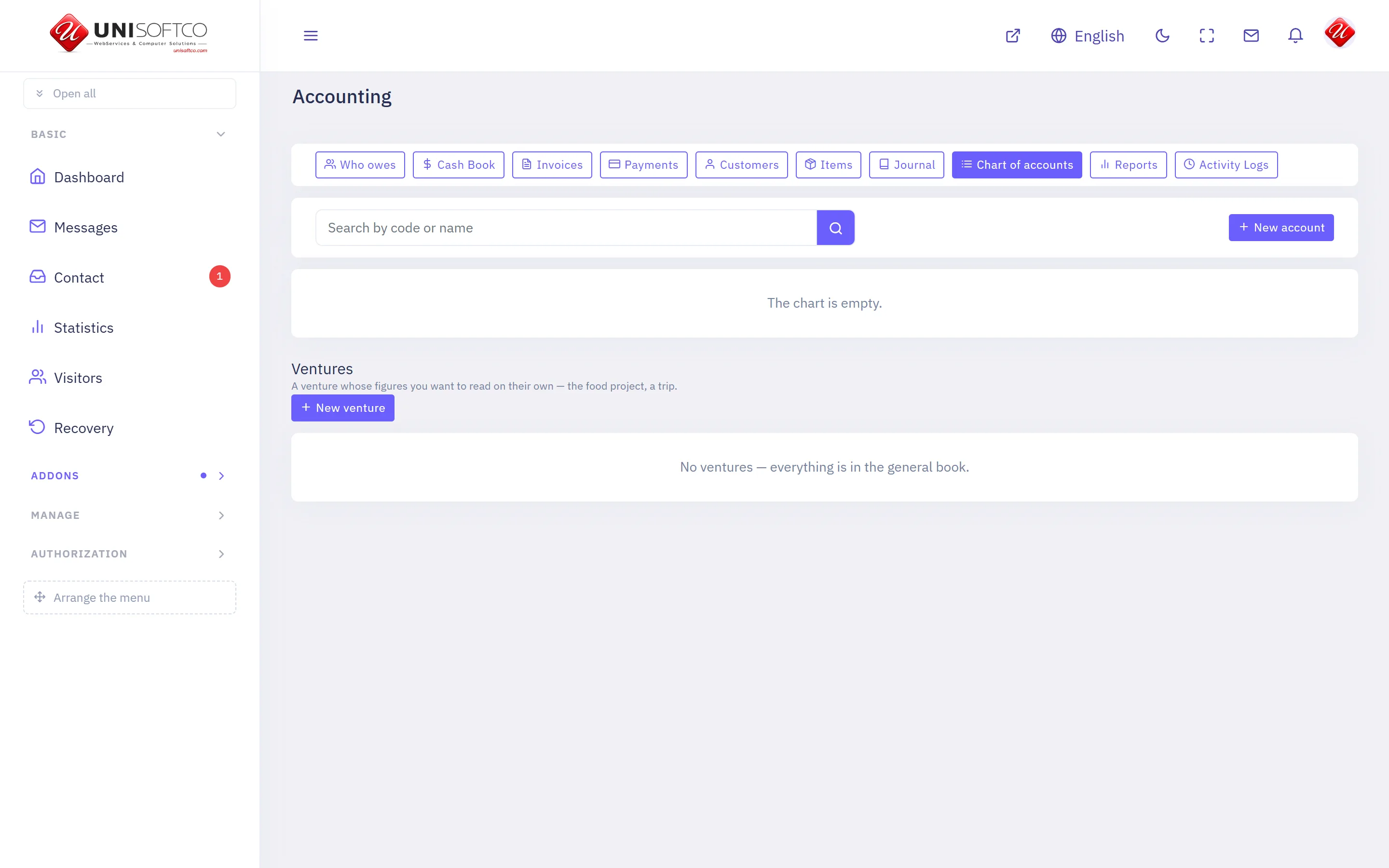
A double-entry ledger — a chart of accounts, journal entries, customers and suppliers, invoices with their lines, payments with their bank references, and what each customer still owes.
Everything below is declared by Accounting itself, so it describes this deployment rather than a manual — and it is rewritten whenever the program changes.
What it is
- Its key is Accounting, which is also the prefix of every component it owns.
- It is bought: a site has it only when the registry records that this customer bought it.
What it may be allowed to do
These are the permissions it declares. A person sees one of its screens only where his role carries the matching permission.
- accounting.manage
- accounting.post
- accounting.view
What it puts on a page
4 components, each of which can be dropped onto a page in the composer.
My account
What a signed-in customer owes, what he has paid, and the invoices behind both.
Placed as Accounting.MyAccount.
One setting:
- Show the payments he has made — a switch, left alone it is true.
My invoice
One of a signed-in customer's own invoices, with its lines and what has been paid.
Placed as Accounting.MyInvoice.
It takes no settings — it draws one way and has nothing to be told.
Pay this invoice
Lets a signed-in customer settle the invoice he is looking at. Goes on the invoice page.
Placed as Accounting.PayNow.
It takes no settings — it draws one way and has nothing to be told.
Price list
What the business sells and at what price, from the same rows its invoices use.
Placed as Accounting.PriceList.
2 settings:
- Show what each is counted in — a switch, left alone it is true.
- A heading above it — typed in.
Comments
Nobody has written yet. Be the first.
This article is not taking comments.