Designing Your Own
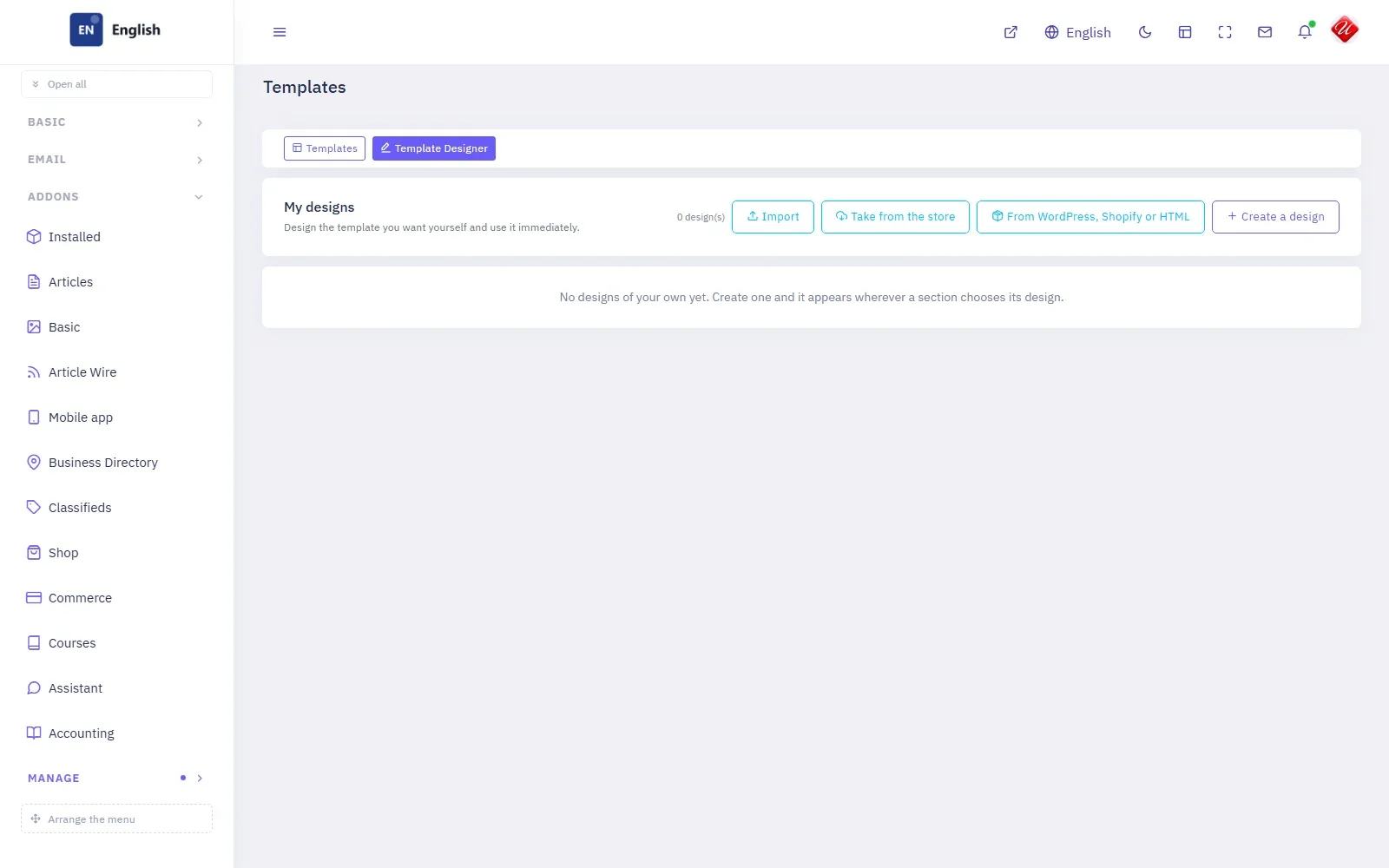
Build a design from the default one, bring one from WordPress, Shopify or plain HTML, or take one from the store.
The ready designs cover most sites. When yours needs its own face, the Template Designer makes one without code.
Four ways to start
Manage → Templates → Template Designer lists My designs and offers four ways to add one: Create a design from scratch, Import a design exported from another site on the platform, Take from the store, or From WordPress, Shopify or HTML — give the address of a theme or a live site and its colours, typefaces, header and shapes are read into a design you can then change.
The header builder
A design's header is built from rows and pieces — logo, menu, search, language, account, buttons — dragged where you want them, with a separate arrangement for telephones. A design can keep several headers and choose among them per section.
The look, part by part
Colours, typefaces, the shape of cards, lists, article pages and bands are set part by part, each with a preview of the real page beside it.
Using it
A finished design appears with the others and is given to a section like any other. Export the design takes it to another site as a file.
Comments
Nobody has written yet. Be the first.